Home Security Planning
New Home Lock Change Checklist for Cypress Homeowners
Moving into a home often means more keys have existed than you realize. Here is a practical way to organize your first lock and key decisions.
License Number: B31188601
Control Business Access Without Passing Around Keys
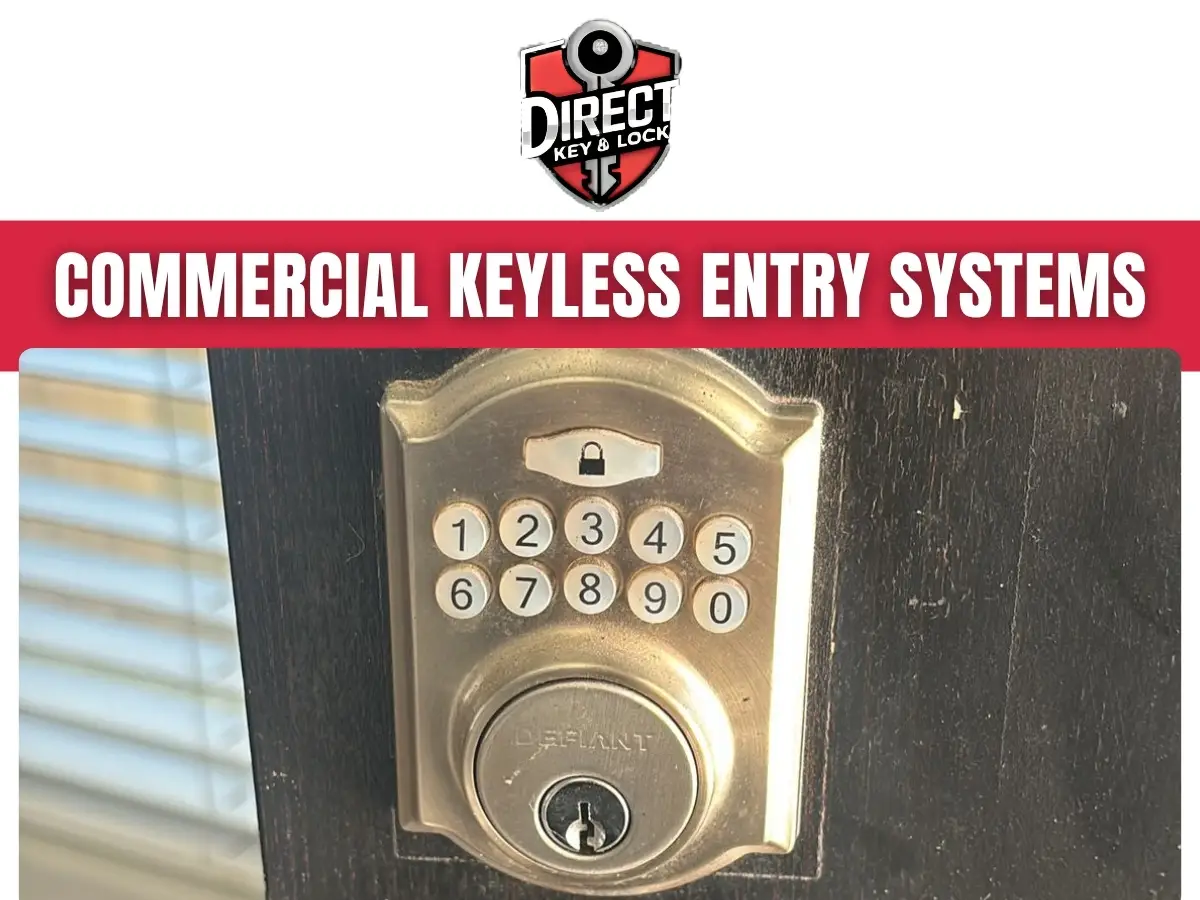
Commercial keyless entry systems in Cypress let businesses control door access through codes, cards, fobs, or supported mobile credentials. Direct Key & Lock helps businesses in Cypress, TX review entry needs, select suitable hardware, and address installation or operating issues so employees can enter while restricted spaces stay protected.
A missing key should not leave you wondering who can still enter your building. Keyless access gives your business another way to manage employees, vendors, and changing schedules without relying only on physical keys.
Do several people share a key today? Are you collecting keys whenever someone leaves? We can help you review a more practical approach. Call (346) 412-0490 or visit Direct Key & Lock to discuss your doors and access needs.
A commercial keyless entry system checks an approved credential before allowing someone through a controlled door. Depending on the equipment, that credential may be a PIN, access card, key fob, or supported phone.
Some systems manage a single door with settings entered directly at the lock. Others connect several doors through an access control platform, allowing an authorized manager to change permissions from a central account.
The right setup depends on your building and daily routines. A small office may need a keypad at its employee entrance, while a larger property may need separate permissions for offices, stockrooms, and shared entrances.
Keyless entry does not make every doorway secure by itself. The door, frame, latch, closer, and exit hardware must also work properly.

Your business may benefit from a new system when its current access method no longer matches how people use the building. Lost keys are a common trigger, but unclear access rules can create problems even when nothing goes missing.
Which door causes the most trouble during a normal week? Starting there can help define the project without replacing equipment that still serves its purpose.
The most useful credential is one your employees can use consistently and your managers can control easily. Each option has practical strengths and limits, so the choice should reflect actual work habits.
A keypad lets approved users enter a code instead of presenting a card or fob. It can be a practical choice for a small team or a single employee entrance.
Individual codes offer more control than a shared code, if the lock supports them. Check user capacity and how codes are added or removed before choosing equipment.
Cards and fobs give each user a separate credential that compatible systems can accept or reject. A lost credential can usually be disabled without changing every employee’s access.
Think about how staff will carry credentials during work. A pocket fob may suit some roles, while a badge may fit an existing employee identification process.
Mobile credentials let approved users access supported doors through a phone. The system may require an app, compatible phone settings, and an active user account.
Not every workplace should depend entirely on personal phones. Discuss an alternate entry method for employees with a dead battery or an unsupported device.
A standalone lock handles access at its own door, while a connected system can manage multiple openings through shared controls. Neither approach is automatically the right fit for every business.
Standalone hardware may suit a single office entrance with a small, stable group of users. Before choosing it, consider how someone will update credentials and whether the lock supports the schedules you need.
Connected access control may suit buildings with several doors, changing shifts, or managers responsible for multiple work areas. Features depend on the selected equipment and may include remote administration, timed permissions, and access event records.
Do you need to change access without standing at the door? That question can help separate a simple keypad project from a broader access control installation.
A keyless system needs a door that closes, aligns, and latches correctly. Adding electronics to a dragging door often leaves the original problem untouched.
During a door review, the useful checks include the door’s movement, alignment, and existing hardware.
Depending on the opening, a project may involve an electronic lock, an electric strike, or other compatible access hardware. Selection must account for the door’s function, not just the reader someone likes.
A credential reader cannot pull a crooked door into place. The mechanical work still matters, even when the door gets smarter.
Commercial keyless entry systems in Cypress work best when permissions follow staff roles, working hours, and room use. Before programming credentials, decide who needs access and where that access should stop.
An employee may need the main entrance but not the records room. A cleaning crew may need certain doors during a limited evening window, if the system supports schedules.
Avoid giving everyone broad permissions just because it is quicker during setup. A little planning now makes future staff changes easier to handle.
Direct Key & Lock starts the service discussion by reviewing your doors, current locks, and access goals. Those details help determine whether the work involves a new installation, a hardware change, or troubleshooting an existing system.
The project process generally follows these steps.
Some projects need coordination with a property manager, electrician, network provider, or another qualified trade. Identifying that need early helps prevent surprises after work begins.
The time needed depends on the number of doors, existing hardware, wiring conditions, and requested functions. A compatible single-door replacement involves different work than a connected system across several entrances.
Common factors that can extend the work include damaged frames, poor door alignment, missing power, limited cable access, and unknown existing equipment. Building access restrictions or required property approvals may also affect scheduling.
Share photographs of the door, lock, frame, and current reader when discussing the project. Model information is useful if you have it, but there is no need to remove covers or expose wiring.
Tell us when the entrance is busiest and whether another approved entrance is available. That information helps us discuss a work plan that limits disruption without compromising safe access.
A commercial access system must account for safe exit and how the opening behaves during a power interruption. Entry control should never be treated as permission to trap people inside.
Electrical locking hardware can behave differently when power is lost. Some hardware releases, while other hardware remains locked from the entry side. Required exit operation must be considered separately.
The correct arrangement depends on the opening, occupancy, hardware, and applicable requirements. Certain setups may also require coordination with fire alarm equipment or review by the appropriate authority.
Do not choose power-loss behavior based only on whether you want the outside locked. Ask how people exit, what backup power supports, and what happens when that backup is exhausted.
Stop using a malfunctioning opening if people cannot exit normally. Do not bypass safety components or hold a required fire door open while waiting for help.
A failed entry attempt may come from the credential, reader, lock, power supply, or door alignment. Replacing a reader without checking the full opening can miss the actual cause.
If a credential fails, note whether other approved users can enter. One rejected fob may point to a permission issue, while repeated failures across several users may indicate a broader problem.
If the reader accepts the credential but the door stays shut, the lock or latch may be under pressure. If the door opens but will not latch afterward, the closer, strike, or alignment needs attention.
Useful observations include the time of failure, indicator lights, unusual sounds, and whether the issue follows rain or a power interruption. Report those details without opening electrical components.
Avoid forcing the handle, slamming the door, or repeatedly resetting unknown equipment. Those steps can damage hardware or erase information needed for diagnosis.
Businesses in Cypress, Texas should consider weather exposure, traffic, and property rules before selecting keyless hardware. An indoor office lock and an exterior warehouse entrance face different conditions.
For an exposed entrance, confirm that the lock and reader are suitable for the expected outdoor conditions. Rain exposure, direct sun, and temperature changes can affect which products are appropriate.
An office with frequent visitors may need a controlled employee entrance while keeping a clear guest arrival process. A stockroom may need restricted access without changing how customers enter the business.
Multi-tenant properties require another check. Who controls the door and who can approve changes? Coordinate with the property manager before modifying shared entrances or existing building systems.
Busy service areas also need an honest look at delivery habits. If employees routinely prop the door open, the access plan needs to address convenience, not just credentials.
A connected system needs careful account management as well as sound door hardware. Control over the management account can affect who receives access to your building.
Give administrative permissions only to people who need them. Use separate manager accounts where supported, and enable multifactor authentication when the platform offers it.
Some systems record access events, but a credential event does not prove who physically walked through a door. Shared credentials, held-open doors, and people following another user can limit what those records tell you.
A few basic preparations help us understand the project and reach the hardware safely. You do not need to take apart locks or troubleshoot wiring before calling for commercial locksmith service.
Keep the area around each door clear of boxes and equipment. For occupied workplaces, let staff know that the entrance may be under inspection.
If you already have a connected system, arrange access to an authorized administrator. Never send passwords through an unsecured message or leave them posted near the reader.
Regular checks can catch battery warnings, loose hardware, and access errors before they interrupt the workday. Follow the manufacturer’s care instructions rather than using harsh cleaners or spraying products into the reader.
Test normal entry and confirm that the door closes and latches after each check. For battery-powered locks, follow the recommended battery procedure and respond promptly to low-battery warnings.
Review credentials whenever someone joins, changes roles, or leaves the business. Temporary access should have a clear end point, whether managed manually or through a supported expiration setting.
Watch for repeated read failures, a handle that feels loose, delayed release, or a door that needs pulling to latch. These are reasons to request service rather than teach everyone a special trick for getting inside.
Direct Key & Lock helps you plan commercial keyless entry systems in Cypress around your building, staff, and daily access needs. Whether you are replacing shared keys or addressing an unreliable electronic lock, the first step is understanding the opening.
Tell us which doors need attention, how people enter today, and what you want to change. We can discuss suitable options, existing hardware, and the practical next steps for your Cypress, TX business.
Call (346) 412-0490 or contact us to discuss commercial keyless entry service.
It is an access system that allows entry to a business without a traditional physical key.
Direct Key & Lock provides commercial keyless entry system services for businesses.
Depending on the system, employees may use a code, credential, or mobile device to enter.
Offices, retail locations, and other commercial properties may use keyless entry to manage access.
Some systems support different access permissions for different parts of a property.
Many systems allow authorized administrators to update or remove access permissions.
Compatibility depends on the doors, existing hardware, and the system being considered.
Operation during a power outage depends on the system’s design and any backup arrangements.
Maintenance needs vary by system and may include hardware upkeep and software updates.
General considerations include access needs, property layout, compatibility, and ongoing administration.
Moving into a home often means more keys have existed than you realize. Here is a practical way to organize your first lock and key decisions.
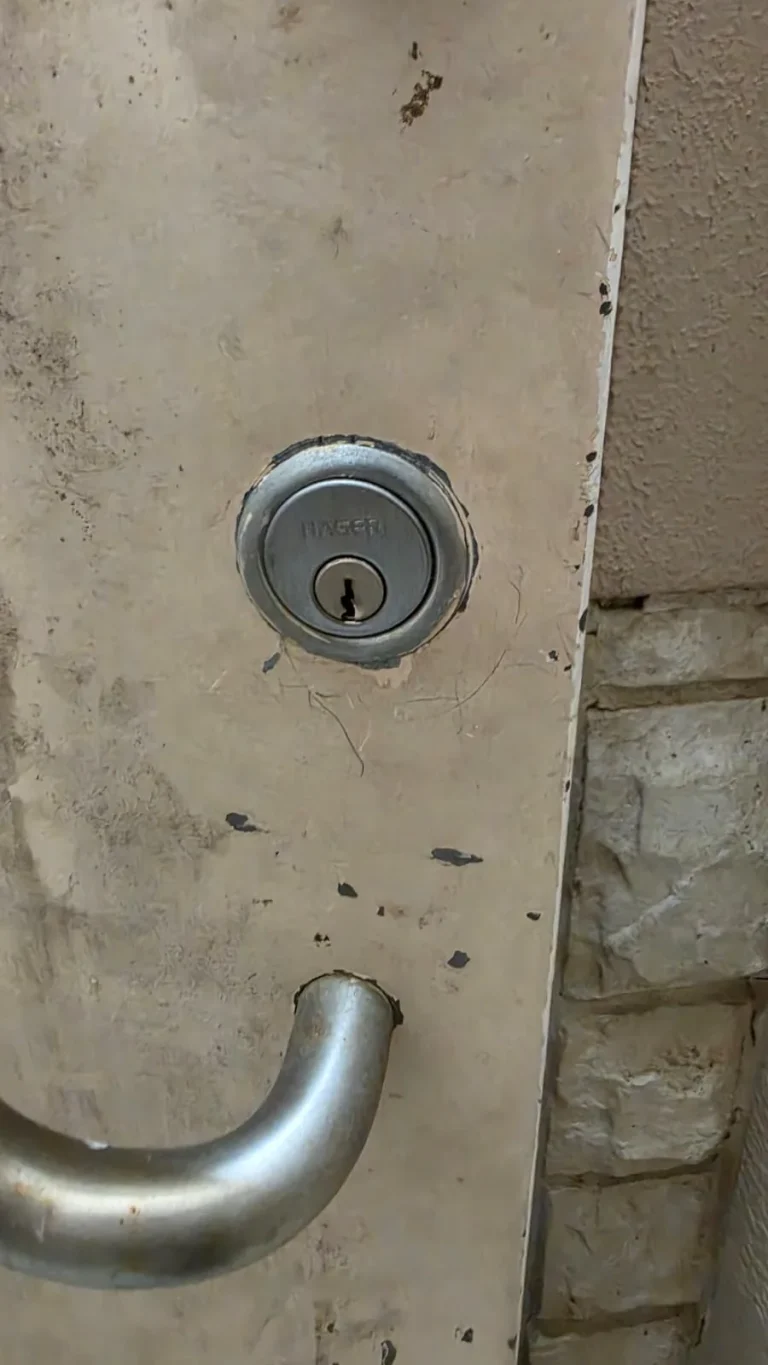
A failing lock does not always need to be replaced. Learn when a door or lock repair may solve the problem, when replacement fits better, and when rekeying protects your home.