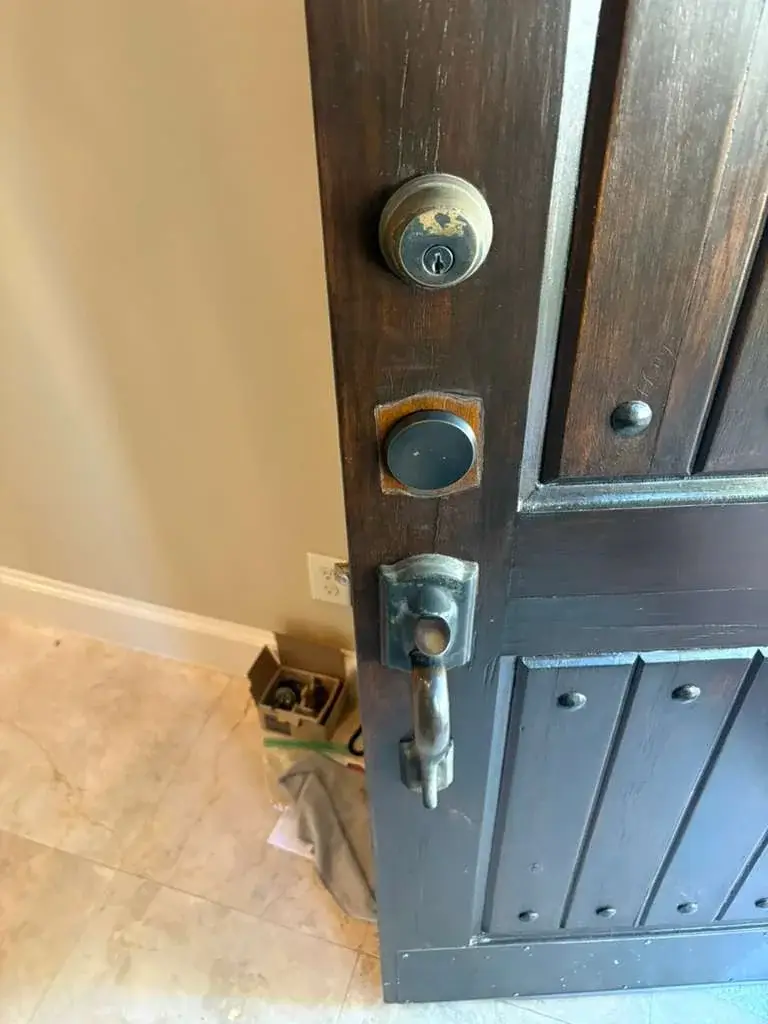
Home Security Planning
New Home Lock Change Checklist for Cypress Homeowners
Moving into a home often means more keys have existed than you realize. Here is a practical way to organize your first lock and key decisions.
License Number: B31188601
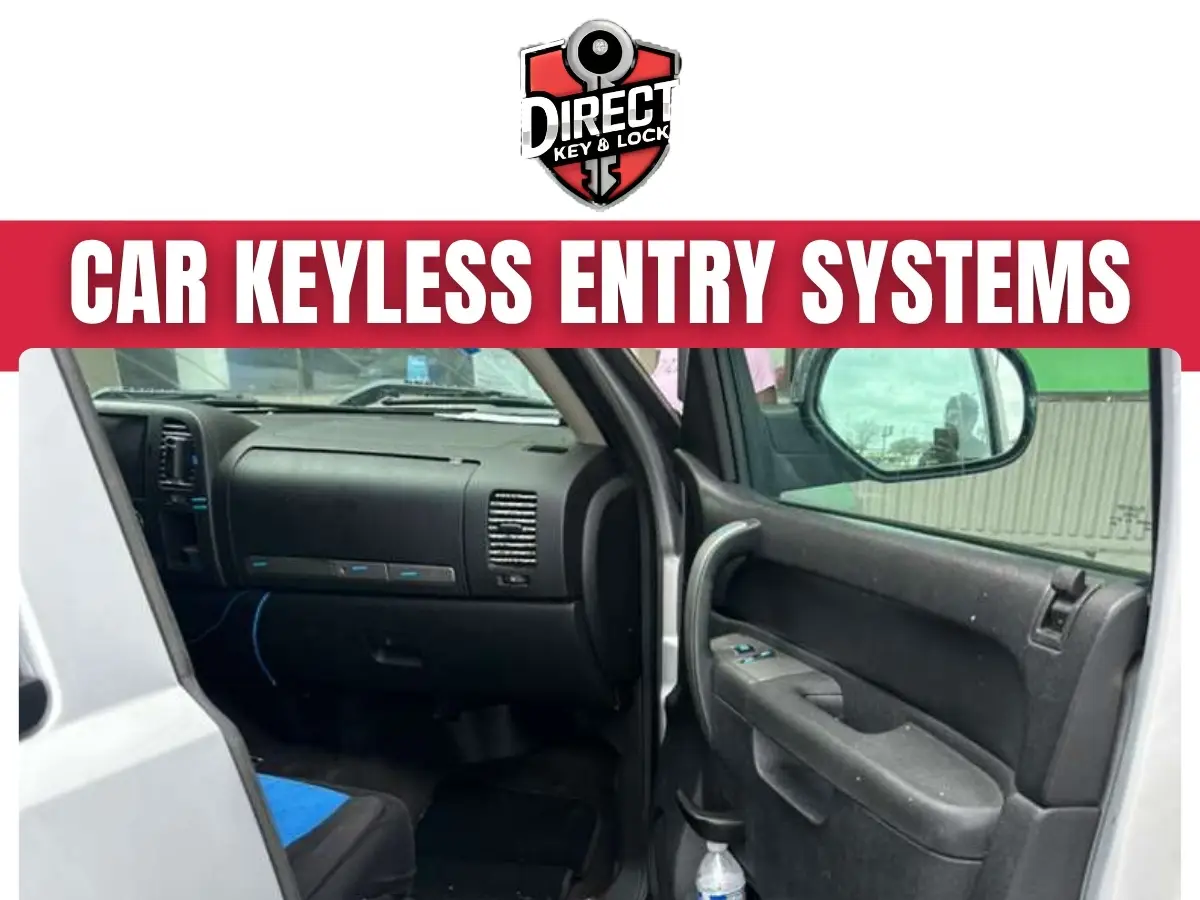
Car keyless entry systems in Cypress let you lock and open your vehicle with a remote or compatible proximity fob. Direct Key & Lock helps Cypress, TX drivers understand their options, check vehicle compatibility, and address keyless access problems. We focus on the cause before recommending a replacement or programming service.
A remote that works only when it feels like it can turn a simple errand into a parking lot puzzle. Whether you have lost a fob or want easier vehicle access, the right next step depends on your vehicle.
Call (346) 412-0490 or visit Direct Key & Lock to discuss your car keyless entry needs.
Keyless entry controls access to your vehicle, while keyless ignition allows an approved key or fob to authorize engine operation. Some vehicles combine these functions in a single device. Others use remote buttons for the doors and a separate metal key for the ignition.
Knowing which function has stopped working helps narrow the problem. A remote may open the doors even when its ignition chip is not recognized, making the distinction important when discussing remote and ignition key programming.
Does your vehicle ignore the remote buttons, the door handle sensor, or both? Tell us what happens with each function so we can discuss the appropriate keyless access checks.
The correct keyless entry device must match your vehicle’s equipment and programming requirements. A similar case shape or button layout does not prove that a remote will work.
Vehicle year, make, model, and trim help identify possible replacement options. Existing equipment also matters because two similar vehicles may use different access systems.
Gather the following information before buying a replacement.
Used fobs can carry restrictions that prevent reuse on another vehicle. Online compatibility lists can also miss equipment differences, so checking vehicle compatibility first can save a frustrating second purchase.
Short range, missed button presses, and inconsistent door response can point to different faults. The pattern matters more than a single failed attempt.
Does the remote work beside the driver’s door but not across the driveway? Does your spare behave the same way? Those details help separate a fob issue from a vehicle issue when discussing keyless entry problems.
A sticking door latch or failed lock actuator is not the same problem as a weak remote signal. Replacing the fob will not correct every door access fault.
A weak fob battery is a common cause of poor remote response, but it is not the only cause. Worn contacts, moisture, damaged buttons, and vehicle electrical problems can produce similar symptoms.
If your owner’s manual allows battery replacement, use the specified battery type and orientation. Avoid forcing the case open or bending the contacts.
Keep these distinctions in mind when describing the problem.
A new battery does not always require remote programming.
Some vehicles have specific reset procedures, so follow the manual rather than a random button sequence.
A replacement remote should restore the functions your vehicle supports without adding assumptions about compatibility. Direct Key & Lock can help you review the information needed to identify a suitable replacement path.
For car keyless entry systems in Cypress, we begin with your vehicle details and the behavior of any remaining key or fob. That helps us discuss whether the likely need involves replacement, programming, or further diagnosis.
If the original remote is available, keep it even if the case is damaged. Its markings and remaining functions can provide useful clues.
A case replacement may be enough when the housing is broken but the electronics still work. A damaged circuit board or missing device usually calls for a different approach. We discuss the likely scope before you commit to a remote that may not fit your system.
Programming links a compatible remote or key to the vehicle, but the procedure varies by system. Door-control programming and ignition authorization may be separate steps.
Some vehicles accept specific owner-operated procedures. Others require compatible diagnostic equipment and access to the vehicle’s security functions.
Bring every key and remote you want to keep using. Certain procedures require the full set, and an absent device may need attention afterward.
Repeated programming attempts with the wrong remote can waste time without solving the problem. Compatibility comes first, even if the remote looks exactly right.
A lost fob creates two separate concerns, regaining vehicle access and deciding what to do about the missing device. The available steps depend on the vehicle and whether you still have a working key.
If every key is missing, tell us that during your first call. That situation can require a different process from adding a spare.
On supported vehicles, a missing electronic key may be removable from the authorized key list. That does not necessarily prevent its physical blade from operating a mechanical lock, so discuss both concerns.
An aftermarket keyless entry system needs compatible vehicle hardware and a suitable control setup. Buying a remote alone will not add remote locking to a vehicle that lacks the required equipment.
Existing power door locks can affect the installation scope. Vehicles with manual locks may require additional hardware, which changes what is practical.
Consider the following questions before choosing equipment.
Ask us about your vehicle before purchasing an aftermarket kit. We can discuss compatibility questions and whether the requested work fits the service available for your setup.
A keyless entry check should confirm the complaint, address the supported issue, and test the functions involved. A remote that beeps once is not enough evidence that everything works correctly.
Direct Key & Lock uses the details you provide to help define the vehicle locksmith service need. Once the vehicle and equipment are assessed, the appropriate next steps can be discussed.
Tell us if a function was already unreliable before the current problem. That helps keep a separate door or electrical fault from being confused with a programming issue.
The time needed depends on vehicle compatibility, key availability, and the condition of the access system. A battery issue follows a different path from a missing-key situation or damaged receiver.
There is no useful single time estimate for every vehicle. Clear information during the first call helps us explain what may be involved.
Tell us about recent battery problems, collision damage, or electrical work. Even if the events seem unrelated, they may help explain why remote access changed.
You can make a few basic observations without forcing a lock, opening vehicle wiring, or trying repeated programming routines. Stop if a procedure requires tools or steps you do not understand.
Try the spare remote if you have it, and note whether the interior power locks work. Check the owner’s manual for the emergency key blade and the approved backup ignition procedure. If you need help regaining vehicle access, avoid forcing entry.
If a child, pet, or vulnerable person is locked inside and faces immediate danger, call emergency services. An emergency locksmith service call should never delay urgent help.
Having your vehicle information ready helps us discuss the problem with fewer guesses. You do not need to identify the faulty component yourself.
Describe what works, what fails, and when the behavior changed. “The doors open, but the vehicle does not detect the fob” is more useful than “the key is broken” when discussing car locksmith help.
If the vehicle is in a parking garage or behind a controlled gate, explain the access conditions. Ask about service arrangements for your location rather than assuming every situation follows the same process.
Protecting the fob from heat, moisture, and repeated impact can reduce avoidable damage. Small habits also make it easier to spot trouble before the remote stops responding.
Keep the fob out of direct sun inside a parked vehicle. Use a dry storage spot at home, away from drinks and places where it can fall.
Do not leave a spare fob inside the vehicle. Depending on the system, its presence can affect locking behavior and create an avoidable access risk. If you are considering a spare key, plan a secure place to keep it. Your cupholder is useful, but it is not a secure key cabinet.
Heat, sudden rain, and busy parking areas can turn a minor fob issue into a larger inconvenience in Cypress, Texas. A tested backup key and knowledge of your vehicle’s emergency access method give you more options.
Think about where you rely on remote access most. Is it the grocery store with both hands full, school pickup, or your driveway after dark?
After heavy rain or water exposure, report any new electrical symptoms along with the fob issue. Multiple faults may call for vehicle electrical diagnosis rather than remote replacement alone.
Direct Key & Lock helps you take a practical next step based on your vehicle and the problem you are experiencing. We focus on clear questions, compatible options, and the difference between remote faults and vehicle faults.
For car keyless entry systems in Cypress, contact us before buying an unfamiliar fob or attempting repeated resets. Tell us whether you need replacement access, help with an unreliable remote, or guidance on adding keyless entry.
Call (346) 412-0490 or contact us to discuss your vehicle. Have its year, make, model, and current key situation ready so we can help you move forward.
It allows you to lock and unlock your vehicle using an electronic key or remote rather than inserting a traditional key.
Direct Key & Lock provides car keyless entry services. Contact them to discuss your vehicle’s needs.
No. Keyless entry controls access to the vehicle, while keyless ignition allows the engine to start without inserting a key.
It may be possible, depending on the vehicle and its existing equipment.
Possible causes include a depleted battery, remote damage, interference, or a vehicle-related issue.
Contact a locksmith or dealership to discuss replacement options for your vehicle.
Replacement remotes often need to be paired with the vehicle. Requirements vary by model and system.
Many vehicles support multiple remotes, though compatibility and setup requirements vary.
Electronic entry may not work without vehicle power. Check your owner’s manual for alternative access guidance.
Keep it away from moisture, excessive heat, and physical damage, and follow the manufacturer’s care guidance.
Moving into a home often means more keys have existed than you realize. Here is a practical way to organize your first lock and key decisions.
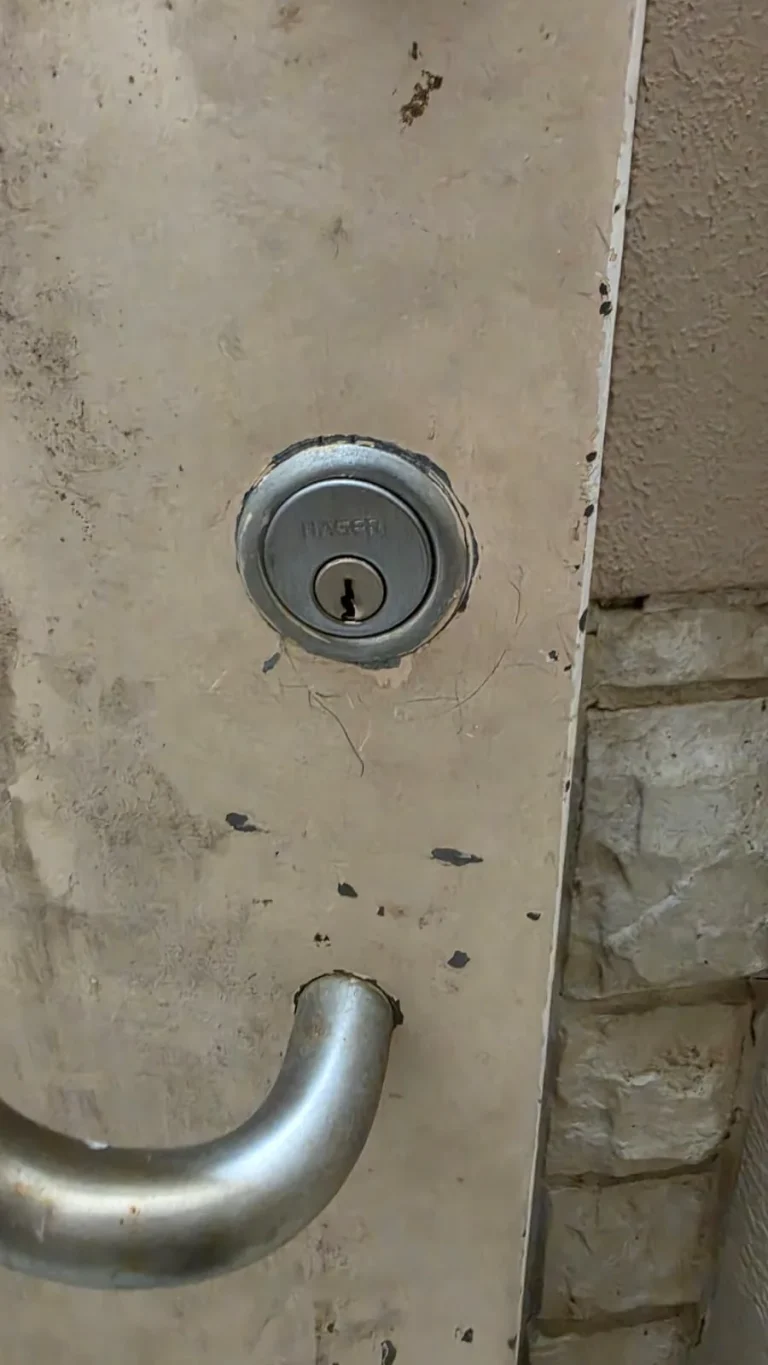
A failing lock does not always need to be replaced. Learn when a door or lock repair may solve the problem, when replacement fits better, and when rekeying protects your home.