Home Security Planning
New Home Lock Change Checklist for Cypress Homeowners
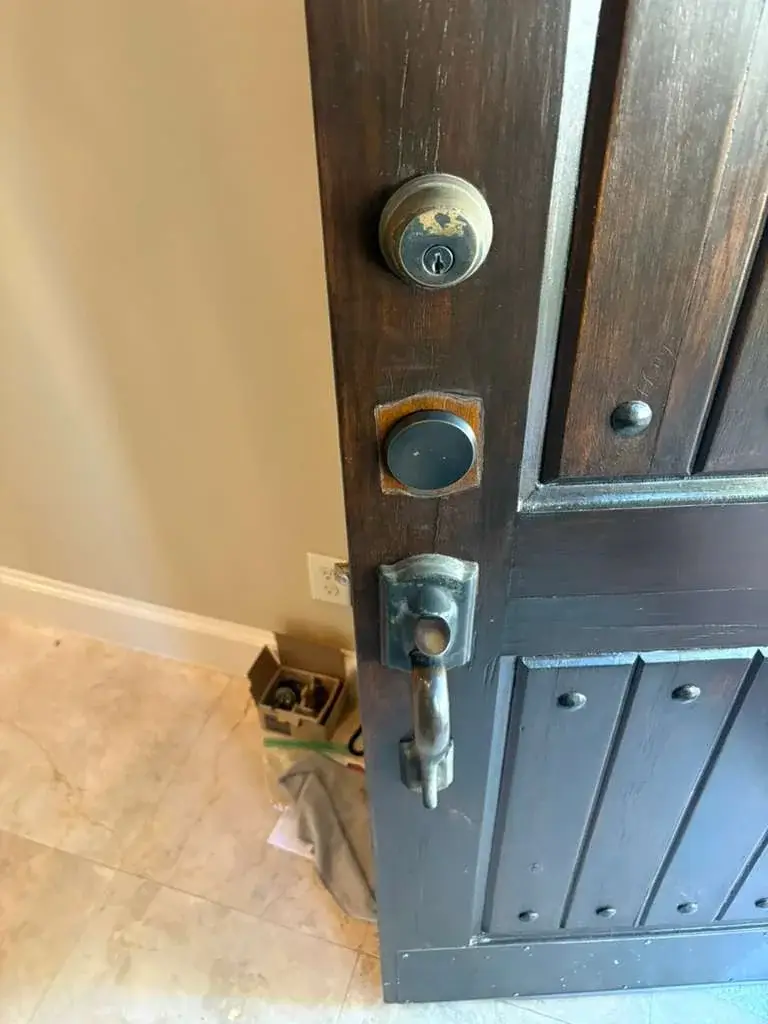
Moving into a home often means more keys have existed than you realize. Here is a practical way to organize your first lock and key decisions.
License Number: B31188601
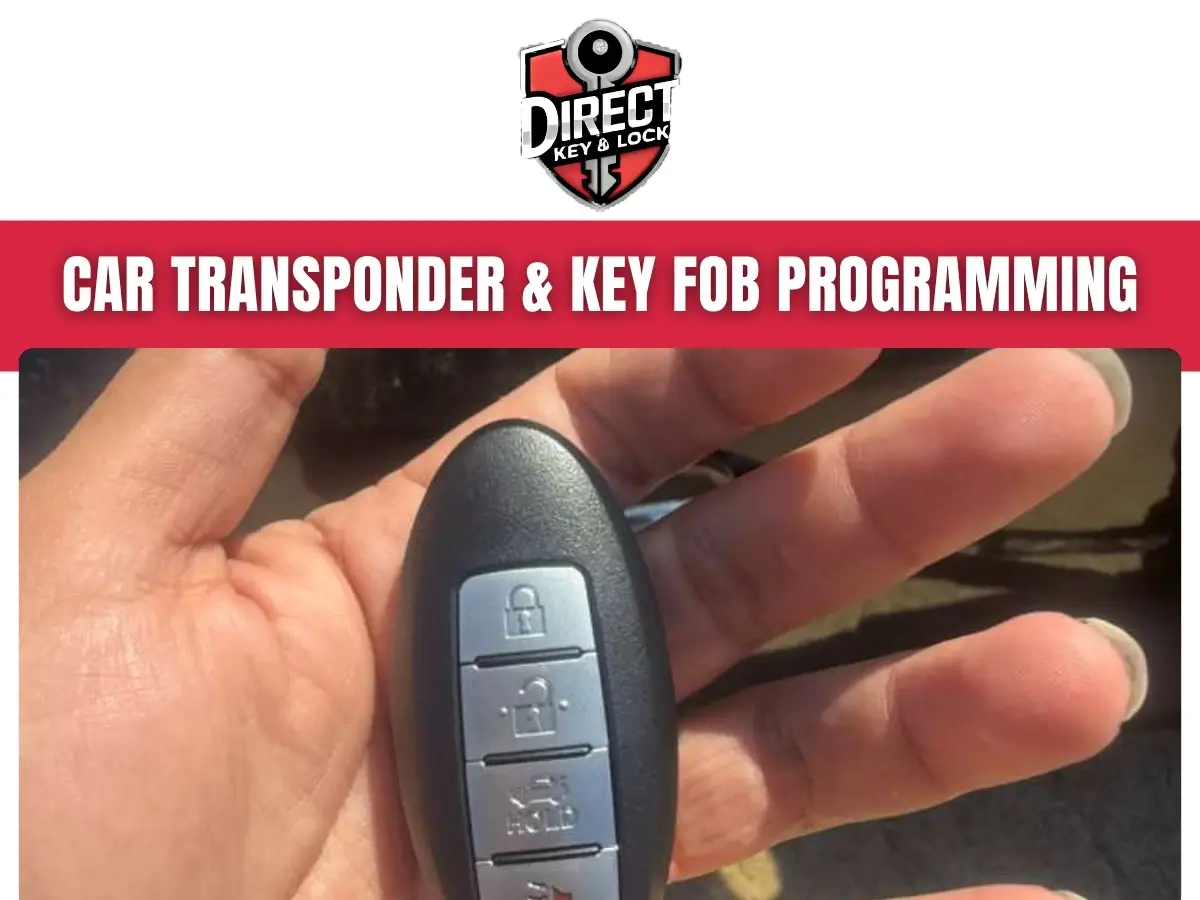
Car Transponder & Key FOB Programming in Cypress connects a compatible vehicle key or remote to your car’s security system.
Direct Key & Lock helps drivers in Cypress, TX, check key compatibility, address programming needs, and test supported functions so they know what works before using the key.
A key can turn in the ignition without letting the engine run. A remote can open the doors while its chip remains unrecognized. Those problems look similar from the driver’s seat, but they call for different checks.
We help you sort out whether the issue involves programming, the key itself, its battery, or another vehicle component. Call (346) 412-0490 or visit Direct Key & Lock to discuss your vehicle and the trouble you’re having with a car locksmith.
Programming allows a compatible key or fob to communicate with the vehicle systems that control access and engine operation. The required procedure depends on the make, model, year, and equipment.
A transponder key has a small chip that responds to the vehicle’s immobilizer system. The vehicle checks that response before allowing the engine to run. Cutting the metal blade alone does not complete this electronic connection.
A key fob sends commands for supported keyless entry functions, including locking doors, opening the trunk, or activating a panic alarm. Some fobs also contain the chip needed for engine operation. Push-button vehicles often use a proximity fob that the car detects nearby.
Car Transponder & Key FOB Programming may involve registering a chip, pairing remote buttons, or both. We check the actual key system rather than assuming every button and chip follows the same procedure.
A “key not detected” message, a nonworking remote, or a replacement key that will not operate the vehicle can signal a programming issue. None of these symptoms proves that programming is the only problem.
Does your spare key work while your everyday key does not? That comparison can help narrow the cause.
Tell us what happens, including any dashboard message. “The doors open, but the engine does not run” is more useful than “the key is broken.”
A weak fob battery can cause poor response without creating a need for reprogramming. Checking basic power and physical condition helps prevent unnecessary work.
Remote buttons and proximity detection commonly depend on a small battery inside the fob. Many conventional transponder chips do not depend on that battery to communicate with the immobilizer. That difference explains why a car may run even though its remote buttons no longer work.
Battery replacement usually does not erase a registered key, though some vehicles require a specific synchronization step. Follow the owner’s manual for the correct battery type and orientation.
A new coin battery cannot fix every key problem.
Still, it deserves a check before the key gets blamed for everything.
A replacement key must have compatible electronics before programming can succeed. A matching shell or button layout does not prove that the internal components are correct.
Compatibility may depend on the vehicle year, trim, ignition type, production information, and part identification. Two remotes can look identical while using different electronics. A fob for a similar model may still be unsuitable.
Already bought a replacement online? Keep its packaging, product information, and any numbers printed on the case. We can discuss what needs checking before you assume it is ready for use.
Previously registered fobs may have reuse restrictions. Some can be prepared for another vehicle under specific conditions, while others cannot. An uncut blade also needs the correct profile and cutting before it can operate a mechanical lock.
For Cypress drivers, checking compatibility early helps avoid arranging programming around a key the vehicle cannot accept.
Adding a spare while a working key is available can make the job more straightforward. The procedure still depends on the vehicle, and some systems require every retained key during registration.
A spare is useful for shared vehicles, busy households, and drivers who cannot pause their day over a misplaced key. It also gives you a comparison point if your everyday remote becomes unreliable.
Store the spare somewhere secure outside the vehicle. A backup locked inside the same car has a limited sense of duty.
An all-keys-lost situation usually requires more preparation than adding a spare. Vehicle access, a compatible replacement, blade cutting, and electronic registration may all need attention.
Contact Direct Key & Lock with the vehicle’s make, model, year, and current location in Cypress, Texas. Explain whether the doors are locked and whether any working key remains elsewhere.
We will discuss whether we can support the vehicle and what information is needed. Some vehicles require equipment, access, or procedures that are not available for every job.
Have identification and documentation connecting you to the vehicle ready for review. Permission to work on the vehicle needs to be clear before key-related work proceeds.
If a key was stolen rather than misplaced, say so. That changes the security discussion and may affect how retained and missing keys are handled.
Electronic key removal can stop a missing transponder or fob from being accepted by supported vehicle systems. It does not automatically change the mechanical lock.
Where the vehicle allows it, a registration procedure may remove missing keys while keeping approved keys active. Some systems instead require all retained keys to be registered again. Bring every key you still have so the procedure can be planned correctly.
A missing key’s metal blade may continue to open a door even after its electronic access is removed. If theft or unauthorized entry is a concern, ask a car locksmith about that separate mechanical risk.
Remote access and engine authorization may also use different registration steps. We discuss what the supported procedure changes and what it leaves untouched, so you do not mistake an electronic update for a complete lock change.
Our approach to Car Transponder & Key FOB Programming in Cypress begins with identifying the vehicle, confirming permission, and checking the reported problem. Programming follows only when it fits the key system and condition.
If the checks point to a fault outside the key, we explain that limit. Repeating programming is not a substitute for repairing a damaged ignition, receiver, or vehicle module.
A proximity fob needs testing for vehicle detection and engine operation, not just remote locking. A working lock button does not confirm that every required function is active.
Push-button systems may detect a fob inside the cabin, near a door handle, or at a backup reading point. The available functions depend on the vehicle’s equipment.
Many vehicles have an owner-manual procedure for using a fob with a weak battery. This may involve holding it near a marked location. The correct location and steps vary, so guessing is less useful than checking the manual.
We also consider any emergency blade stored inside the fob. Its mechanical use is separate from electronic programming and may require cutting.
Remote engine operation, trunk release, and passive entry should only be expected when the vehicle and compatible fob support them. Extra buttons cannot add equipment the vehicle lacks.
The time needed depends on compatibility, working-key availability, vehicle power, and required security procedures. A reliable estimate comes after those conditions are understood.
Adding a compatible spare can involve fewer steps than replacing every lost key. A damaged lock, uncertain fob history, or vehicle communication problem can require more checking before registration begins.
Some systems include timed security access steps that should not be interrupted. Others limit repeated attempts after unsuccessful registration.
We discuss the expected vehicle key work without promising a fixed completion time before checking the vehicle. The goal is a usable key, not a rushed button press.
Clear access, complete vehicle information, and all retained keys help the vehicle locksmith appointment proceed with fewer interruptions. Preparation also helps identify problems before programming begins.
Keep sensitive documents for direct review rather than posting them publicly. If someone else will be present with the vehicle, discuss authorization requirements before arranging service.
Repeated programming attempts or forceful key use can make an unresolved problem harder to assess. Pause if the key binds, the vehicle reports a security fault, or an online procedure does not match your model.
Do not force a blade that will not turn. A worn key, damaged ignition, or steering-lock pressure may need a different response from electronic programming.
Avoid random wire changes, security bypass instructions, and repeated battery disconnections. These actions can create additional faults without correcting the original issue.
For a roadside problem requiring emergency locksmith help, personal safety comes before key testing. Stay clear of traffic and contact emergency services if a person or animal is at risk inside the vehicle.
In Cypress heat, shade and a safe waiting place matter. Tell us where the vehicle is parked and whether access is safe when discussing service.
Each retained key should be checked after programming to confirm its supported functions. Testing helps catch partial operation before you depend on the vehicle again.
Keep other fobs away during individual testing so a working key does not mask a problem with another. Follow the owner’s manual for any model-specific checks.
After service, protect the fob from water, heavy impacts, and prolonged heat. If operation becomes inconsistent, note whether the problem affects one key or every key before calling.
Direct Key & Lock helps Cypress drivers make an informed next step for vehicle key and remote problems. We focus on the symptoms, the compatible key, and the procedure your vehicle supports.
Whether your car is at home, outside work, or in a shopping center lot, explain its location when you contact us. Confirm service arrangements and vehicle support before making plans around the appointment.
Need a spare, replacing a damaged remote, or dealing with no working keys? For Car Transponder & Key FOB Programming in Cypress, have your vehicle’s year, make, model, and key status ready.
Call (346) 412-0490 or use our contact page to reach Direct Key & Lock. We’ll help you identify what needs checking and discuss the next steps for your vehicle.
It is the process of pairing a compatible key’s electronic chip with a vehicle’s security system.
Key FOB programming connects a compatible remote to a vehicle so it can operate supported features, such as locking and unlocking.
Direct Key & Lock provides car transponder and key FOB programming. Contact the business to discuss your vehicle’s needs.
Programming may be needed when adding a spare key, replacing a lost key, or addressing a key recognition issue.
No. Cutting shapes the physical key, while programming pairs its electronic components with the vehicle.
No. Compatibility depends on the vehicle and the type of remote it supports.
Not always. Requirements vary by vehicle and remote, so consult the owner’s manual for guidance.
Have your vehicle’s make, model, and year available, along with information about any existing keys or remotes.
It depends on the remote and the vehicle’s system. Some used remotes may not be suitable for reuse.
A recognition issue can have several causes. Contact Direct Key & Lock to discuss whether programming may be relevant.
Moving into a home often means more keys have existed than you realize. Here is a practical way to organize your first lock and key decisions.
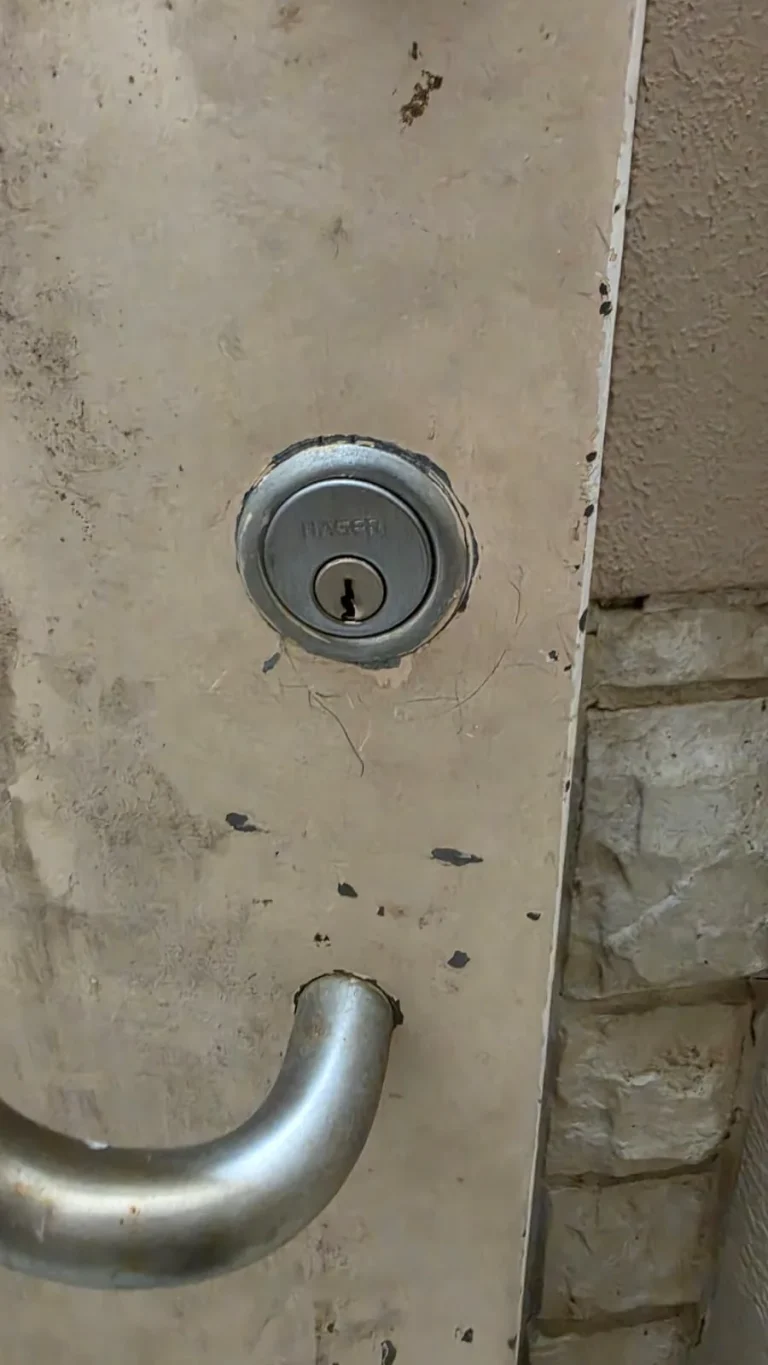
A failing lock does not always need to be replaced. Learn when a door or lock repair may solve the problem, when replacement fits better, and when rekeying protects your home.