Home Security Planning
New Home Lock Change Checklist for Cypress Homeowners
Moving into a home often means more keys have existed than you realize. Here is a practical way to organize your first lock and key decisions.
License Number: B31188601
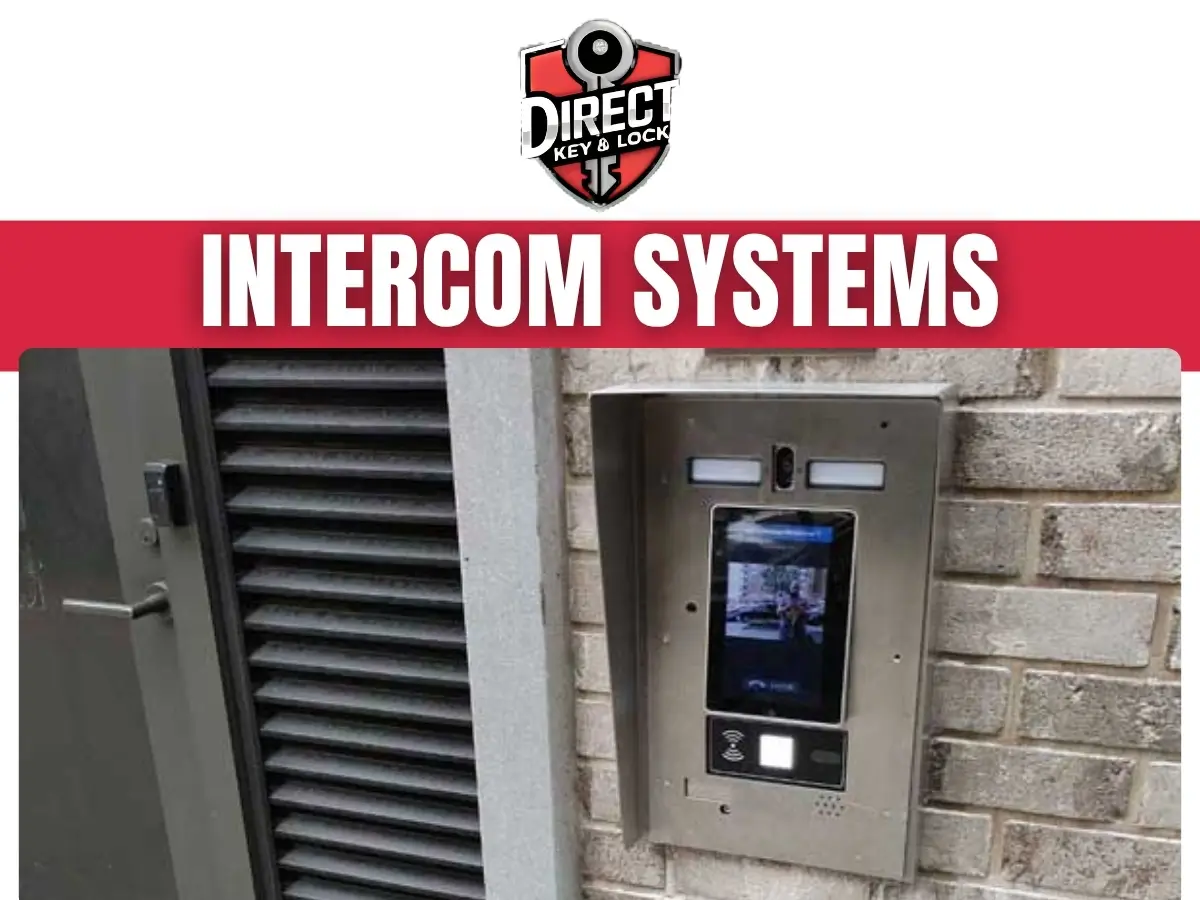
Intercom systems in Cypress let you speak with visitors before opening a door or gate. Direct Key & Lock helps homeowners and businesses in Cypress, TX, review entry needs, compare compatible equipment, and address communication problems. We focus on practical access that works with your property and daily routine.
An intercom connects an entrance with someone inside the property so visitors can request access. Depending on the equipment, that connection may include voice, video, indoor stations, or calls sent to an approved mobile device.
A basic setup lets you hear and answer a visitor. A more connected system may also operate a compatible electric lock or gate through a separate release control.
The intercom, lock, and door still have different jobs. Clear communication helps you decide who may enter, while working door hardware controls the opening.

A front porch and a busy office lobby rarely need the same setup.
Those answers help keep the project focused.
Audio intercoms support conversation, while video intercoms also provide a view of the visitor. The better choice depends on your entrance, visibility, and how you handle access.
Audio may be enough for an interior office door where staff can already see the visitor. Video can help at a driveway gate, side entrance, or front door that is out of sight.
Camera placement matters as much as having a camera. Strong backlighting, porch columns, and awkward mounting angles can make faces difficult to see.
Consider visibility alongside the entry needs of your building.
Live video does not automatically include recording.
Ask what the proposed equipment actually supports rather than assuming every feature comes together.
Wired systems use physical cabling for communication, while wireless models depend on compatible radio or network connections. Neither option fits every property.
Existing cable may support a replacement, but its condition and type need review. Older wiring is not automatically suitable for newer equipment, even if the connectors look familiar.
Wireless equipment can reduce certain cable needs, but it still needs power. Thick walls, metal gates, distance, and weak network coverage can affect performance.
For a property in Cypress, Texas, outdoor placement also deserves attention. Equipment exposure, cable protection, and the route between buildings all influence the installation plan.
We help you weigh the connection method against the actual site conditions. A strong signal inside the kitchen does not prove the driveway gate has usable coverage.
A home intercom works best when calls reach the person most likely to answer them. That may be an indoor station, several stations, or a supported phone connection.
Think about where you spend time during the day. An answering station near the front door offers little help if you usually work in a back room.
Do you need to speak with delivery drivers without walking downstairs? Would someone in your household prefer a physical button instead of an app? These questions help clarify your home entry needs.
Keep the visitor experience simple. A clear call button and readable label can prevent a surprising amount of doorbell confusion.
A business intercom should route visitors to someone who can respond and make an access decision. Equipment alone cannot solve a call that goes to an empty desk.
For offices, shops, and service properties, entry needs often change throughout the day. Staff arrivals, customer visits, deliveries, and after-hours access may require different handling.
We discuss the way your entrance operates before focusing on individual devices. A reception desk may need direct call control, while a receiving door may need a separate destination.
Keep staff access separate from visitor approval where possible. Employees should understand both the call process and the door release controls.
A gate intercom needs suitable placement, dependable communication, and compatibility with the gate operator if remote opening is requested. The approach to the gate also affects everyday use.
Drivers should be able to reach the call station without stepping into an unsafe position. Pedestrian visitors may need a different approach or separate entrance.
Distance from the building can affect cable routing, power access, and network choices. Outdoor equipment should also suit the exposure at its mounting point.
An intercom does not replace a gate operator’s safety devices. Problems with gate movement, obstruction detection, or damaged moving parts need separate attention.
Tell us whether visitors arrive by car, on foot, or both. That helps us discuss a usable call location rather than treating every gate like a front porch.
Remote door release requires compatible locking hardware and a door that closes and latches correctly. Adding an intercom does not fix a dragging door or a damaged frame.
An electric strike, electrified lock, or other controlled locking device may be involved. The appropriate choice depends on the opening, its use, and applicable requirements.
As a locksmith business, Direct Key & Lock considers the lock and door alongside the communication equipment. We look at how these parts interact rather than treating the call station as an isolated device.
Entry control must not create an unsafe exit. Questions about exit operation should be resolved before equipment changes move forward.
Missed calls, weak sound, unreliable video, and failed door release are reasons to check the system. The fault may involve the intercom, wiring, power, network, or door hardware.
Pay attention to whether the problem affects every call or only certain conditions. A station that stops responding after rain points to a different concern than a phone that receives no notifications.
Write down what happens before changing settings. A short description of the symptom is often more useful than several rounds of random button pressing.
Intercom troubleshooting starts by identifying which part of the call or entry process has stopped working. Replacing the outdoor station is not always the right first step.
Poor sound can come from damaged speakers, microphone blockage, loose connections, or network trouble. Failed release may involve the lock’s power supply or door alignment rather than the intercom itself.
Moisture and physical damage can also affect outdoor equipment. On network-connected systems, a changed router or account setting may interrupt a previously working connection.
We use the reported symptoms to guide the review. If the issue falls outside the intercom or lock work being discussed, we explain what needs separate attention.
Avoid opening powered equipment or experimenting with unknown wires. That can damage components and make the original problem harder to identify.
A property review connects your access goals with the condition of the entrance and existing equipment. Our approach to intercom systems in Cypress starts with how people actually use the space.
We ask about visitor traffic, missed calls, current frustrations, and the people who need control. We also discuss whether you want to keep any existing stations or locking hardware.
Not every concern can be confirmed from a phone description. Photos and model numbers help, but some decisions require a closer look at the property.
Installation planning should cover equipment compatibility, cable routes, station locations, and the final testing process. A clear plan helps prevent avoidable changes once work begins.
For a replacement, we discuss which existing components may remain useful. Mixing equipment from different product families can limit features or prevent the system from working.
For a new installation, access to cable paths and power locations affects the scope. Finished walls, detached buildings, and long driveway runs may require additional coordination.
The goal is a setup you understand, not a collection of features nobody plans to use.
The time needed depends on existing wiring, equipment condition, mounting work, and connections to locks or gates. A straightforward replacement differs from adding communication to a distant entrance.
Hidden cable damage or an unsuitable power source can change the work required. Network setup and account access can also delay testing if the right person is unavailable.
We discuss timing after reviewing the project rather than giving the same answer for every property. Tell us about business hours, visitor traffic, or entrances that must remain usable.
For occupied properties, plan how visitors will contact someone during the work. A temporary sign with clear instructions can keep deliveries from turning into a guessing game.
A little preparation helps us understand the system and reach the equipment safely. Gather basic information for your intercom service visit without removing covers or touching wiring.
Do not send passwords through an unsecured message. Ask how account setup or network access should be handled.
For a business, tell staff which entrance may be affected. For a home, secure pets away from the work area and keep the doorway clear.
Useful testing checks the whole visit, from pressing the call button to closing the door after entry. Hearing a ring is only part of confirming operation.
Sound should be checked in both directions. Video, if included, should provide a useful view from the actual visitor position.
Ask for a walk-through if a control is unclear. Everyone who answers visitors should know how to speak, release access, and end a call.
Routine care and sensible access habits help keep an intercom useful after installation. Most users can handle basic observation and surface cleaning without opening equipment.
Wipe exposed surfaces according to the manufacturer’s instructions. Avoid spraying cleaner into speaker openings, buttons, or camera housings.
Check outdoor stations after strong storms for visible damage or water intrusion. Keep plants from blocking the camera or making the call button difficult to reach.
For connected systems, review user access when employees leave or household needs change. Use separate user accounts where supported, and limit release permissions to people who need them.
Video helps you assess a visitor, but it does not confirm identity by itself. If a request seems unusual, verify it through a known contact before opening the entrance.
Direct Key & Lock helps you make practical decisions about entry communication and compatible locking hardware. We keep the discussion centered on your property, your users, and the problems you want to solve.
Whether you have an unreliable call station or are considering a new setup, start with the entrance that needs attention. Tell us who visits, who answers, and whether remote release matters.
For intercom systems in Cypress, call (346) 412-0490 or contact us. We can discuss your Cypress, TX, home or business and the next steps for reviewing its access needs.
An intercom system allows people to communicate between an entrance and an area inside a property.
Intercom systems are commonly used in homes, apartment buildings, offices, and other shared properties.
Common types include audio, video, wired, and wireless intercom systems.
Audio intercoms support voice communication, while video intercoms also allow users to view visitors.
Some intercom systems can connect with compatible access control equipment, depending on the setup.
Consider the property layout, communication needs, existing equipment, and preferred way to manage visitor access.
Updates may be possible, depending on the condition and compatibility of the existing system.
Maintenance needs vary by system, usage, and environment. Manufacturer guidance can help inform routine care.
Consult the system’s user guide for basic troubleshooting or contact an intercom service provider for assistance.
Yes, Direct Key & Lock provides intercom system services. Contact the company to discuss your general needs.
Moving into a home often means more keys have existed than you realize. Here is a practical way to organize your first lock and key decisions.
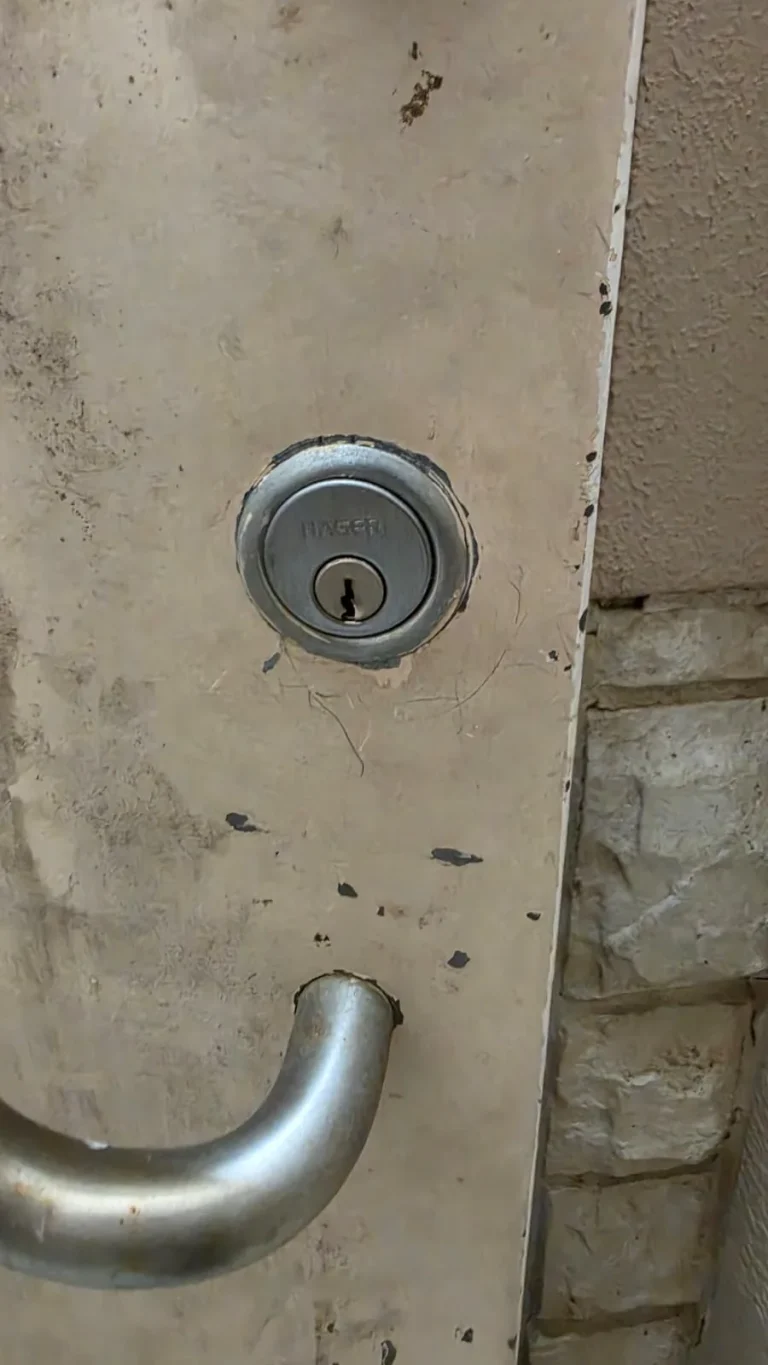
A failing lock does not always need to be replaced. Learn when a door or lock repair may solve the problem, when replacement fits better, and when rekeying protects your home.