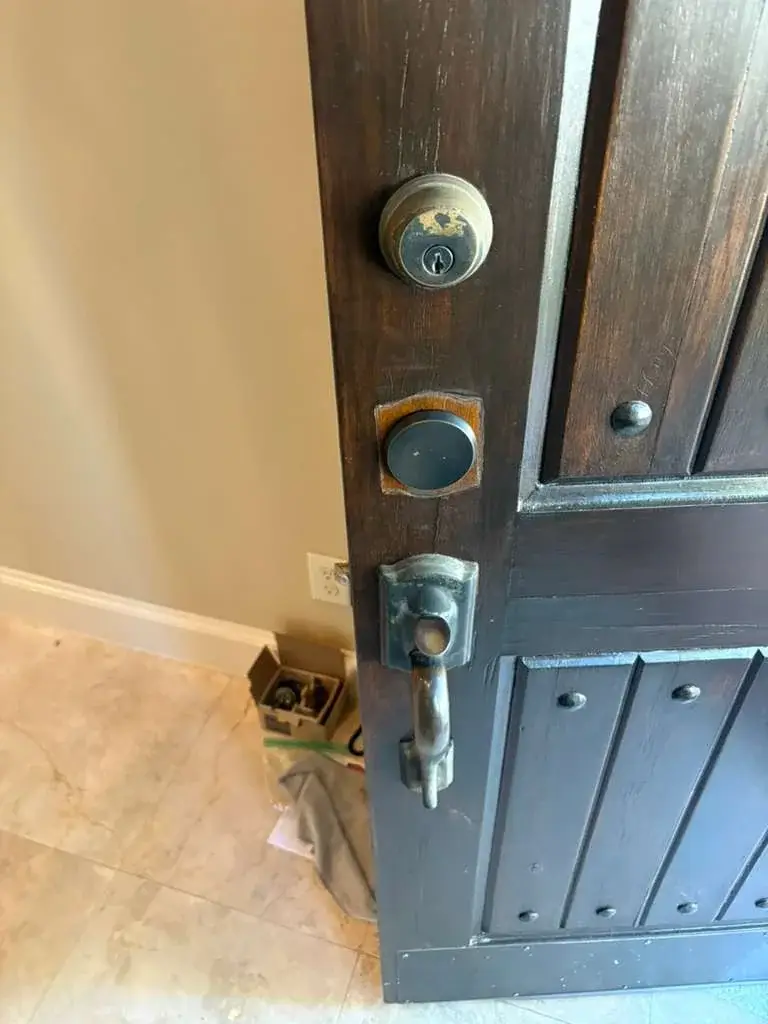
Home Security Planning
New Home Lock Change Checklist for Cypress Homeowners
Moving into a home often means more keys have existed than you realize. Here is a practical way to organize your first lock and key decisions.
License Number: B31188601
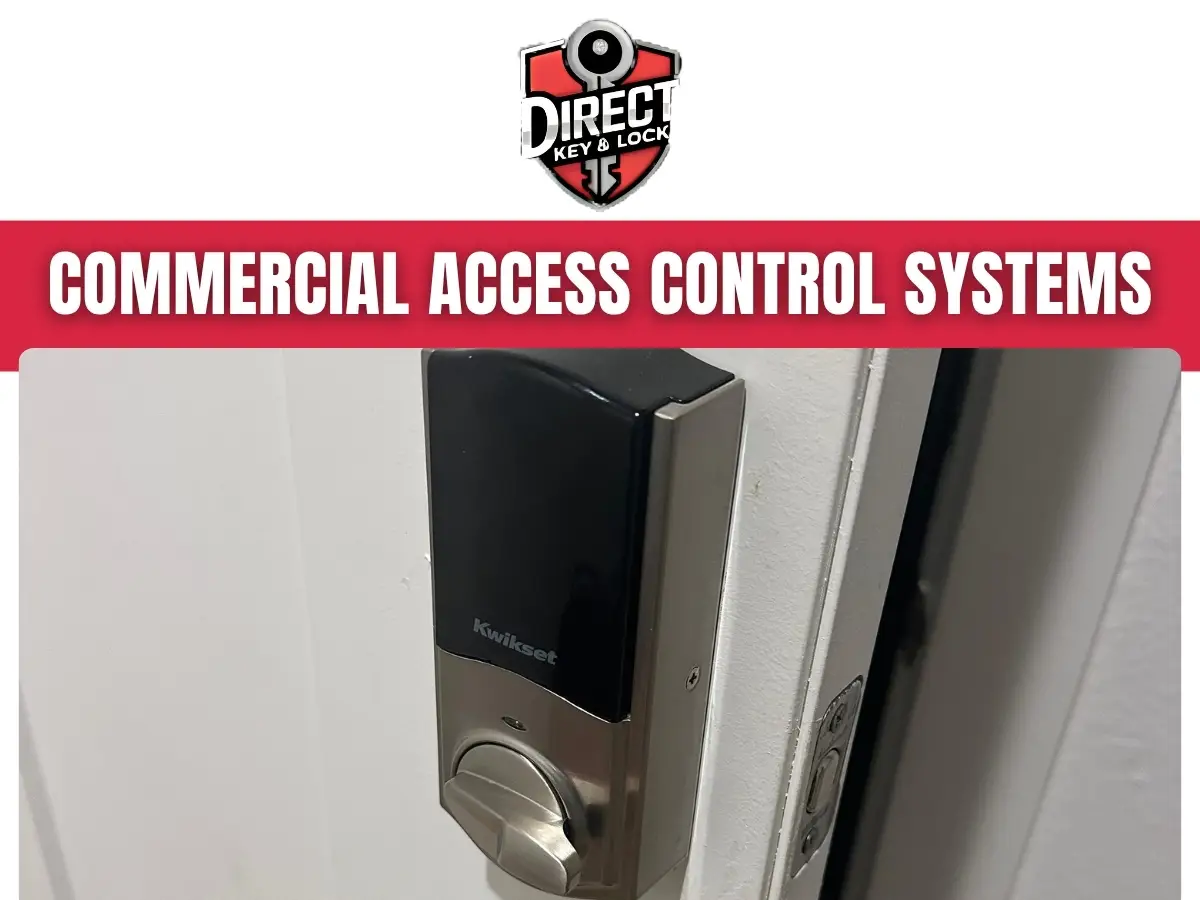
Commercial access control systems in Cypress let businesses manage who can enter specific doors and when. Direct Key & Lock helps Cypress, TX, businesses assess entry needs, choose suitable credentials and door hardware, and plan installation or updates. We focus on practical access rules, dependable door operation, and straightforward daily use.
An access control system uses credentials, readers, and locking hardware to restrict entry based on rules your business sets. Instead of handing everyone a key, you can assign access by person, door, work schedule, or job responsibility.
An employee might enter the front office during business hours but have no access to a stockroom. A manager may need broader access, while a cleaning crew may only need entry during a short evening window.
Commercial access control systems can also simplify changes when someone leaves your company. With a compatible system, an administrator can remove that person’s credential without collecting a physical key.
Who needs access to your building today, and who still has access from last year? That question often reveals where a better entry plan could help.
Access control becomes useful when managing physical keys takes too much time or leaves too many unanswered questions. Frequent staffing changes, shared entrances, and restricted rooms can make a key-only setup difficult to supervise.
These problems do not always require replacing every lock. We can discuss whether a single controlled door, changes to existing equipment, or a broader installation fits your operation.
A door propped open with a chair is usually a workflow complaint in disguise. The goal is to solve that complaint without weakening security.
A controlled entrance needs a door that closes and latches correctly before electronic access can work consistently. A new reader cannot correct a sagging hinge, damaged frame, or latch that misses its strike.
During planning, the physical opening deserves close attention. Door material, frame condition, closer operation, and current locking hardware all affect equipment choices.
Exterior entrances in Cypress, Texas, also need consideration for rain exposure, direct sun, and daily traffic. Equipment placement should account for those conditions rather than treating an outdoor service door like an interior office door.
Correcting mechanical problems first helps prevent repeated lockouts and inconsistent locking later.
The best credential method is the one that fits your staff, security needs, and daily routine. Cards, fobs, PIN codes, and compatible mobile credentials each have useful roles in commercial keyless entry, but no single option fits every business.
Cards and fobs let you issue separate credentials to individual users. If someone reports a lost credential, an administrator can deactivate it without changing everyone else’s access.
Mobile access depends on compatible equipment, supported phones, and the selected system. Before choosing it, consider phone policies, battery concerns, and how temporary workers will enter.
We help you compare these practical differences. The choice should make sense for the people using the door every day, not just the person approving the project.
Electronic locking hardware must suit the door’s construction, expected use, and required exit operation. The right choice depends on more than whether the lock can receive an electrical signal.
An electric strike may work with compatible latch hardware. An electrified lockset may fit another opening, while certain applications call for electrified exit hardware.
Magnetic locks require careful review of release methods and applicable requirements. They are not a universal replacement for other locking options.
Existing hardware also affects whether components can remain or need replacement. We review compatibility before treating an older door as ready for electronic control.
Commercial access control systems in Cypress should be planned around real openings and real traffic. A busy employee entrance, an interior records room, and a delivery door may each need a different hardware approach.
Access schedules should reflect when people genuinely need entry, including exceptions that occur during normal business operations. Overly broad permissions reduce control, while overly narrow permissions create avoidable lockouts.
Begin with clear user groups. Office staff, supervisors, cleaners, and delivery personnel often need different doors and different hours.
Does your first employee arrive before the manager? Does a vendor sometimes arrive after closing? Discussing those situations early helps prevent last-minute workarounds.
Temporary permissions should have an end date when the keyless entry system supports it. Otherwise, a short visit can quietly become permanent access.
An access control system must support appropriate exit operation and a clear plan for power loss. Keeping unauthorized people out must not interfere with required ways for occupants to leave.
Door behavior during an outage depends on the locking hardware, power arrangement, and system configuration. Some hardware releases when power is lost, while other hardware remains secured from the entry side.
Exit operation must be considered separately from outside entry. Applicable building and fire requirements, occupancy, and the existing door assembly all influence the final approach.
Backup power may support certain components for a limited period, depending on the equipment and load. It does not replace a plan for longer outages or equipment trouble.
Never disconnect release devices or bypass exit hardware to stop an inconvenient alarm. If a door blocks required exit or behaves unpredictably, stop using that entrance and arrange professional attention.
A site visit connects your access goals with the condition of your doors and supporting infrastructure. We use that information to discuss a workable path rather than choosing equipment based only on a product description.
Photos and existing equipment information can help the conversation begin. A commercial locksmith inspection may still be necessary before confirming compatibility or installation details.
Installation should account for customer traffic, employee access, and any work that affects a usable entrance. The amount of work depends on door condition, wiring routes, equipment compatibility, and the number of openings.
A single interior door with accessible wiring may involve less disruption than several exterior entrances. Concealed cable routes, frame repairs, or changes involving other building systems can add steps.
Before scheduling installation work, identify entrances that must remain usable. Businesses with one public entrance may need a different sequence than properties with separate staff and customer doors.
We discuss access needs and any required coordination before work proceeds. Some projects may involve your property manager, network support provider, electrician, or fire alarm contractor.
A clear work sequence helps staff know which doors to use. It also reduces the chance of deliveries arriving at the wrong entrance during installation.
Testing should confirm both authorized entry and appropriate response when access is denied. A reader lighting up is only a small piece of the process.
Administrator instruction should cover common tasks, too. Those include adding a user, removing access, replacing a lost credential, and changing a schedule.
Have the person who will manage the keyless entry system practice these tasks. Written notes help, but a short hands-on review can expose questions before a busy Monday morning does.
An existing access control system may be repairable or expandable, depending on its condition and compatibility. Older equipment does not automatically require full replacement, but matching components takes careful review.
Useful information includes the controller brand, reader model, credential type, and current management method. Administrator access and system records can also affect what changes are practical.
Some systems use credentials or components that work only within a particular product family. Others support a wider range of equipment, though that still requires confirmation.
If your current setup fails intermittently, note exactly what happens. Does the reader reject a valid fob, or does it accept the fob while the door stays locked?
Those symptoms point to different possible causes. Clear observations help separate credential problems from wiring, power, hardware, or door alignment issues.
Supported event records can help administrators review credential use and investigate entry problems. They do not prove that a specific person physically passed through a door.
Someone may present a credential without entering. Another person may follow an authorized user inside without presenting anything, a practice often called tailgating.
Remote functions require compatible equipment and suitable connections. Not every access control system provides every feature.
Limit access to entry records to staff with a business need. Your company should also establish appropriate notice, record handling, and retention practices.
Cypress businesses benefit from access plans that separate public areas from spaces meant only for staff. The exact approach depends on how customers, employees, and vendors move through the property.
An office may need an open reception entrance during business hours and controlled access to records storage. A warehouse may need separate permissions for office staff and employees using a loading entrance.
A shop may want to restrict a stockroom without changing customer entry. A medical office may need controlled staff areas while keeping visitor movement straightforward.
Multi-tenant properties bring another concern, responsibility for shared doors. Before changing hardware, confirm who manages the opening and who can approve the work.
For Cypress, TX, locations with outdoor service entrances, daily deliveries deserve special attention. A convenient receiving routine can reduce the temptation to leave a secured door standing open.
A little preparation helps us focus on your doors, users, and current problems. You do not need a finished system plan before contacting Direct Key & Lock.
Do not send passwords or active door codes through an unsecured message. Ask how sensitive information should be handled during the visit.
If you lease the property, check your approval process early. That can prevent delays after equipment choices and commercial locksmith work are discussed.
Regular access reviews help your system reflect current staffing and operating hours. Even good equipment cannot correct a user list that nobody updates.
Assign a primary administrator and a backup person. Both should understand your process for new hires, departures, lost credentials, and temporary visitors.
Report problems with useful details, including the door, time, credential, and observed behavior. “The reader accepted my fob, but the latch stayed locked” is more useful than “the door is broken.”
Direct Key & Lock helps you assess commercial access needs with attention to both locksmith hardware and everyday door use. We begin with how your business operates, then discuss suitable options and the steps needed to move forward.
Whether you need to control one staff entrance or review several restricted areas, bring your questions and current concerns. Knowing what frustrates your team is often the best starting point.
For commercial access control systems in Cypress, call (346) 412-0490 or contact us to discuss your access needs. Tell us about your property, the doors involved, and how you want employees and authorized visitors to enter.
It is a system that manages entry to a business property or designated areas within it.
Yes, Direct Key & Lock provides commercial access control services. Contact the company to discuss your general requirements.
Access control systems are used in offices, retail locations, warehouses, and other commercial properties.
Depending on the system, employees may use cards, key fobs, codes, or other authorized credentials.
Many systems allow businesses to assign access permissions for different areas based on workplace needs.
Some systems support scheduled access, allowing permissions to reflect business hours or employee shifts.
An authorized administrator can typically update or remove the employee’s access permissions.
Compatibility depends on the existing hardware and the requirements of the selected system.
Maintenance needs vary by system and may include hardware checks, software updates, and permission reviews.
General considerations include the property layout, number of users, access needs, and existing door hardware.
Moving into a home often means more keys have existed than you realize. Here is a practical way to organize your first lock and key decisions.
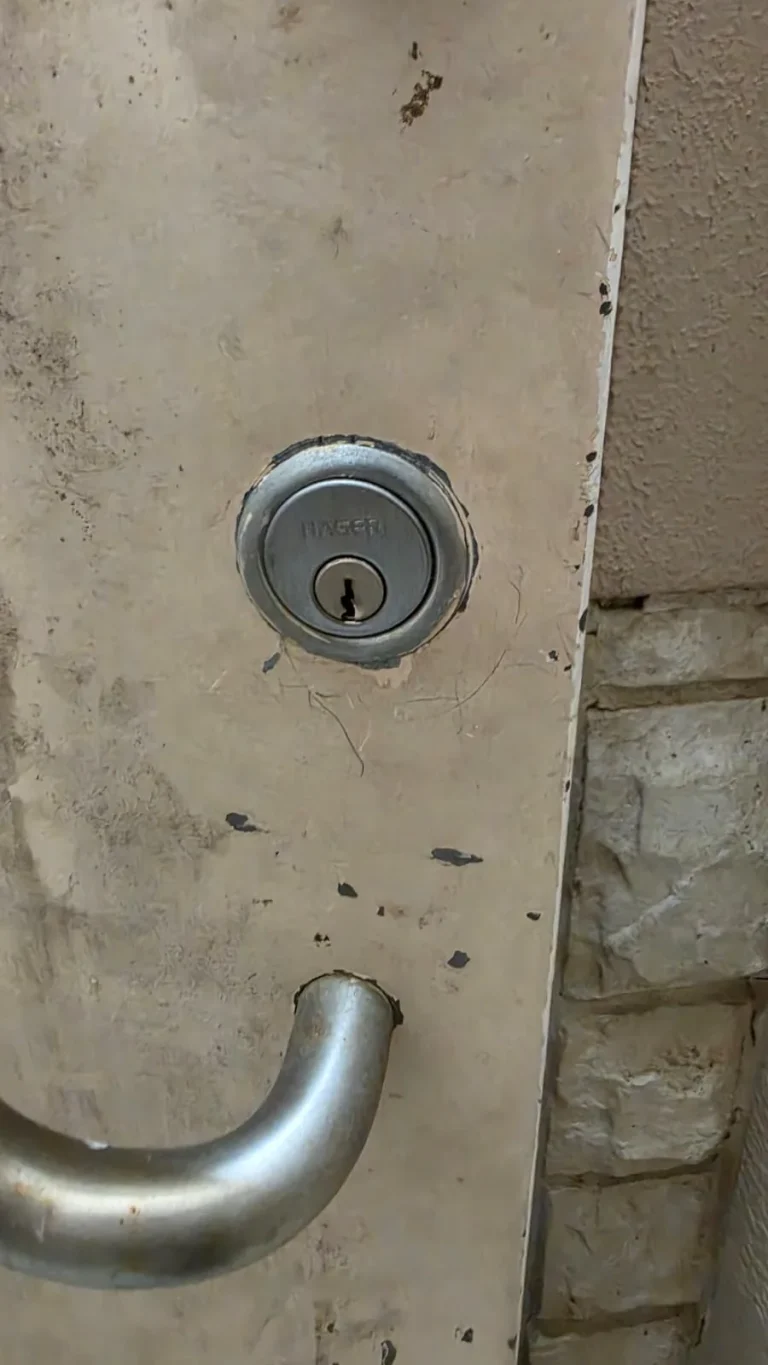
A failing lock does not always need to be replaced. Learn when a door or lock repair may solve the problem, when replacement fits better, and when rekeying protects your home.